Shooting better phone videos for Reels, Shorts and WhatsApp status
Stable footage, clear sound, good light and quick editing tips for short vertical videos made on a phone.
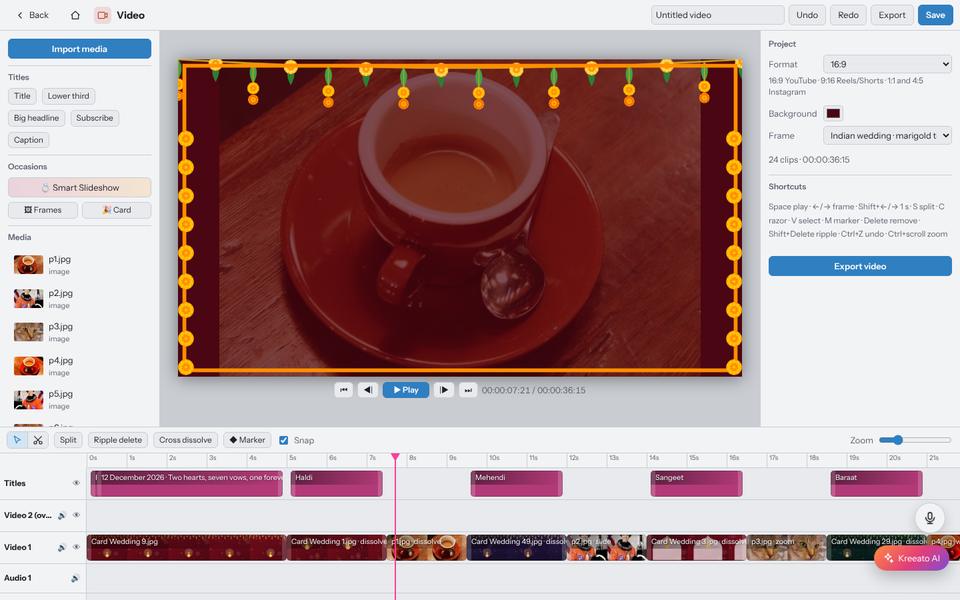
Short vertical videos are now how many people discover shops, creators and events. You do not need expensive equipment. Most of the difference between an amateur clip and a polished one comes from four things: stability, light, sound and editing.
Shoot vertical, and decide before you start
Reels, Shorts and status videos are 9:16. Hold the phone upright from the beginning; cropping a horizontal video later throws away most of the picture. If the same video must also go on YouTube in 16:9, shoot horizontally with the subject in the middle and accept a tighter crop for the vertical version.
Keep it steady
- Hold the phone with both hands, elbows against your body.
- Move slowly. Fast pans look like accidents.
- For talking videos, rest the phone on a shelf or use a small tripod.
- Turn on the phone's video stabilisation if it has one.
Light the face
Face a window or a light source; do not stand with a bright window behind you, or you will become a silhouette. In the evening, a desk lamp placed slightly to the side and above eye level is better than the ceiling light directly above.
Sound matters more than picture
Viewers forgive slightly soft video, but not bad sound. Record in a quiet room with soft furnishings, which reduce echo. Keep the phone close to the speaker, within an arm's length. A small clip-on microphone is the single most useful accessory for talking videos.
Plan a short structure
- First 2 seconds: show the result or ask the question. ("This is how we pack 100 orders a day.")
- Middle: three or four quick shots that explain it.
- End: one clear next step: visit the shop, follow, or send a message.
Edit tightly
Cut pauses, "umm"s and the moments before and after each action. Most shots in a short video should be two to four seconds. Add captions; many people watch with the sound off. In Kreeato's Video editor you can trim clips on the timeline, add titles and transitions, and export in 9:16. For photo-based videos, such as weddings or birthdays, Smart Slideshow builds the whole video for you.
Music and rights
Use music you have the right to use. Platforms offer licensed music libraries inside their apps, and some songs are blocked or muted if uploaded from outside. Keep the music quieter than speech.
Before posting
- Watch it once on your phone, start to finish, with sound and without.
- Check nothing important is under the app's buttons at the bottom and right side.
- Choose a clear cover frame.
Put it into practice
Kreeato runs in your browser. Nothing to install.
More from Kreeato
All blog →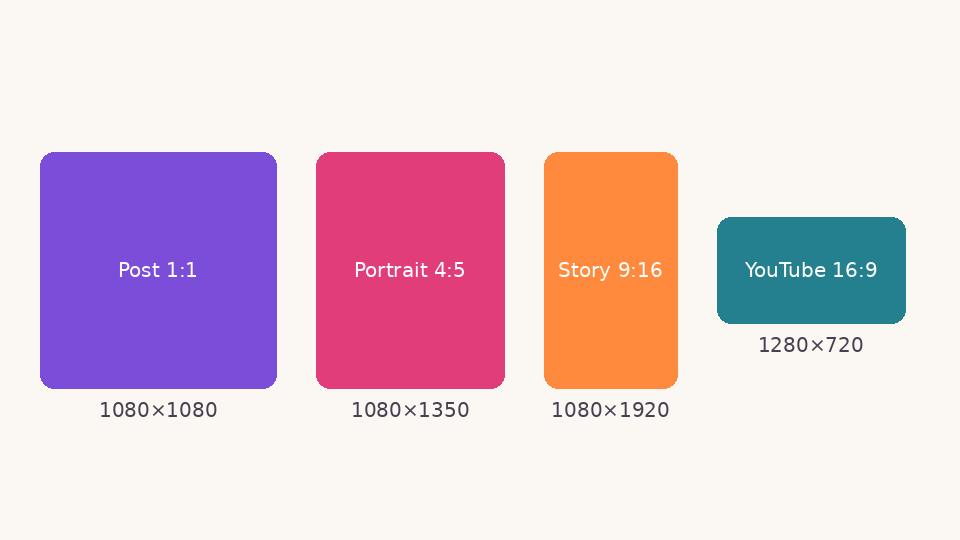 Social media
 image sizes in 2026: a simple cheat sheet
The sizes and shapes that look right on Instagram, Facebook, WhatsApp, YouTube and LinkedIn, and why designing at the correct size matters.
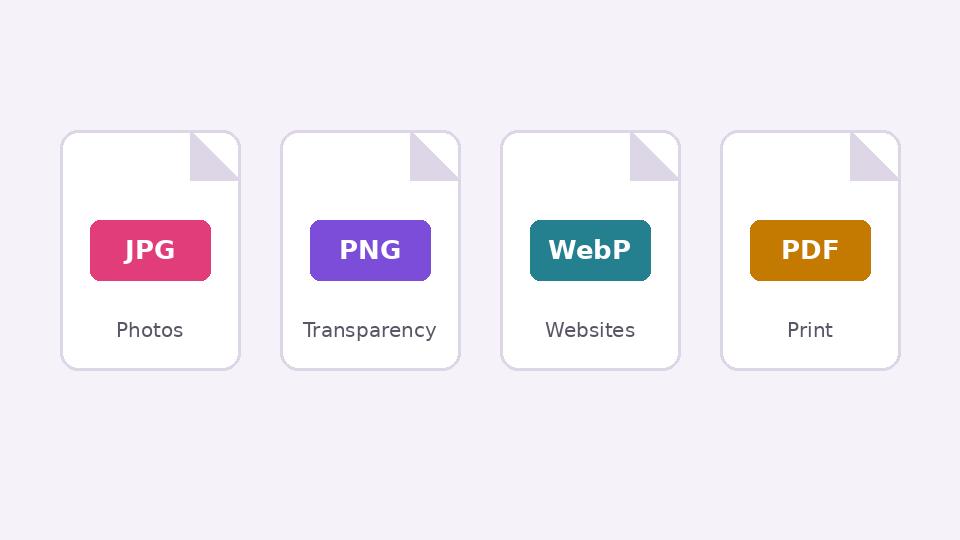 Basics
JPG, PNG, WebP or PDF? Choosing the right format when you export
What each image format is good at, when transparency matters, and how to keep files small without making them look worse.
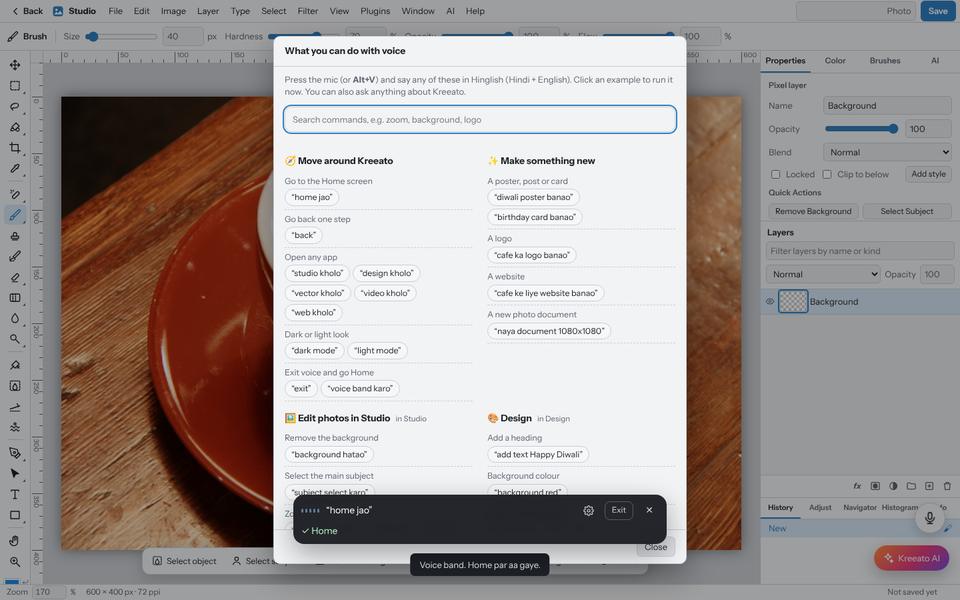 Tutorial · Basics
Use Kreeato with your voice: commands in English and Hinglish
Turn on the microphone, choose your language and control Kreeato by speaking: open apps, remove backgrounds, rotate, zoom, export and more.