JPG, PNG, WebP or PDF? Choosing the right format when you export
What each image format is good at, when transparency matters, and how to keep files small without making them look worse.
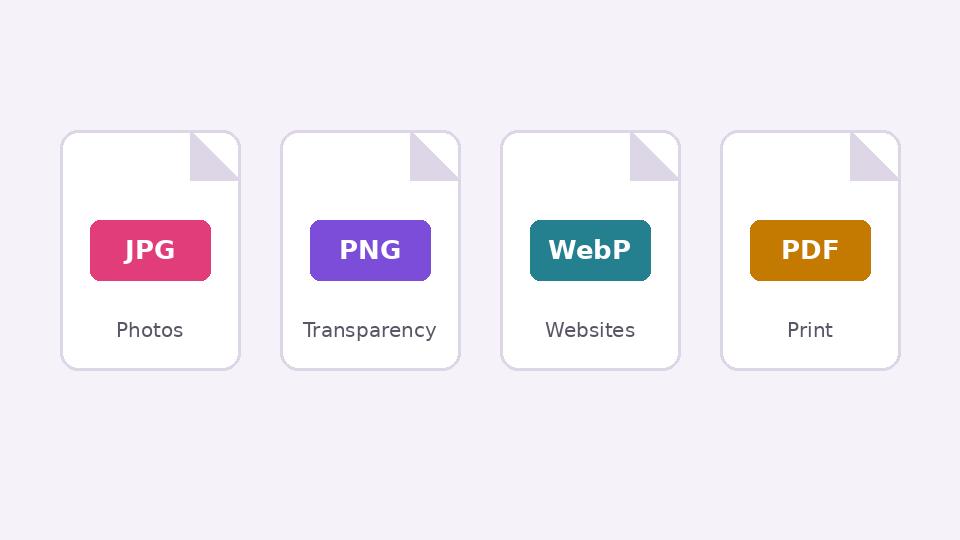
The same design can be saved in several formats, and the choice changes how sharp it looks, how big the file is, and whether it can have a transparent background. Here is a practical guide without the jargon.
JPG: best for photographs
JPG compresses images by removing detail the eye barely notices. For photos this works very well: a 6 MB photo can become 500 KB and still look the same. The trade-off is that JPG struggles with sharp edges. Small text and thin lines get a faint blur or blocky "noise" around them, especially at low quality settings. JPG also cannot be transparent: empty areas become white.
Use JPG for: photos, photo collages, and images you will send over slow connections.
PNG: best for graphics, text and transparency
PNG keeps every pixel exactly. Text, logos, screenshots and flat-colour illustrations stay crisp, and PNG supports transparency, which is why cut-outs and logos are saved as PNG. The downside is size: a PNG of a photo can be several times larger than a JPG.
Use PNG for: logos, cut-outs, greetings with lots of text, screenshots, anything that needs a transparent background.
WebP: smaller files for websites
WebP is a newer format that does both: it can compress like JPG or keep detail like PNG, and it supports transparency. Files are usually noticeably smaller than JPG or PNG at the same quality, which makes web pages load faster. All modern browsers support it, but some older software and printers still do not.
Use WebP for: images on your own website or online shop.
PDF: best for print and multi-page documents
PDF keeps the layout exactly as designed, can hold several pages, and is what most printers ask for. Brochures, menus, certificates and flyers should go to a print shop as PDF.
Quality settings that make sense
- JPG quality around 80–90% is visually close to perfect for most photos. Below 70% the damage starts to show.
- Do not save a JPG, edit it, and save it as JPG again many times. Each save loses a little more detail. Keep your working file as PSD or PNG and export a fresh JPG at the end.
- Export at the size you need. A 1080-pixel image for Instagram does not need to be 4000 pixels wide.
A quick decision table
| You are making… | Export as |
|---|---|
| A photo for WhatsApp or Instagram | JPG |
| A greeting card with big text | PNG |
| A logo or product cut-out | PNG (transparent) |
| Images for your website | WebP |
| A flyer for the print shop | |
| A file you will keep editing | PSD (keeps layers) |
Put it into practice
Kreeato runs in your browser. Nothing to install.
More from Kreeato
All blog →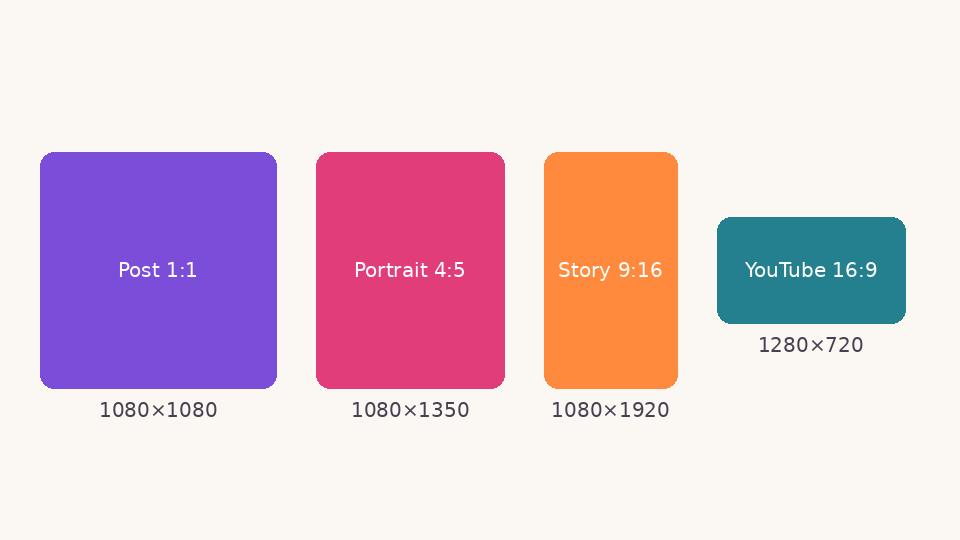 Social media
 image sizes in 2026: a simple cheat sheet
The sizes and shapes that look right on Instagram, Facebook, WhatsApp, YouTube and LinkedIn, and why designing at the correct size matters.
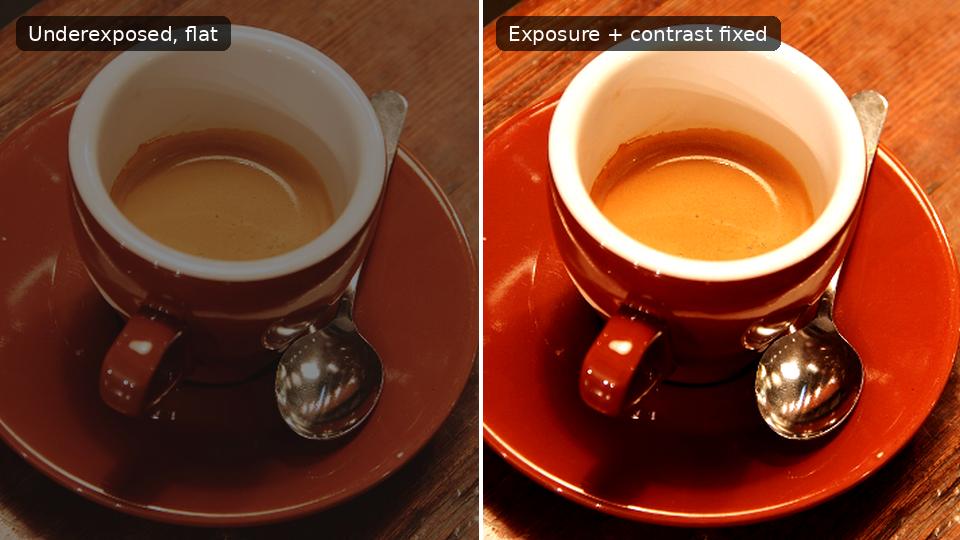 Photo editing
Exposure, contrast, highlights and shadows: a beginner's guide
What the four most-used light sliders actually do, the order to use them in, and how to avoid the overdone look.
 Tutorial · Design
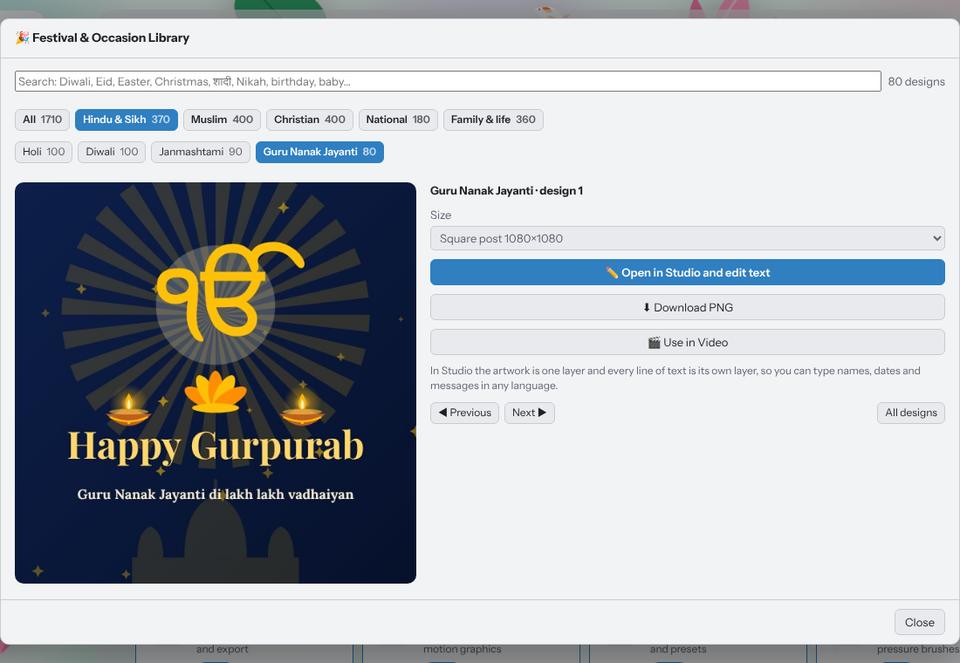
Make a festival greeting in two minutes with the Festival Library
Pick a ready design for Diwali, Eid, Christmas, Holi, Gurpurab or a birthday, type your own words in any language and download it for WhatsApp or Instagram.