Better photos with composition: rule of thirds, leading lines and space
Simple composition ideas you can use with any phone camera, and how to crop an existing photo to make it stronger.
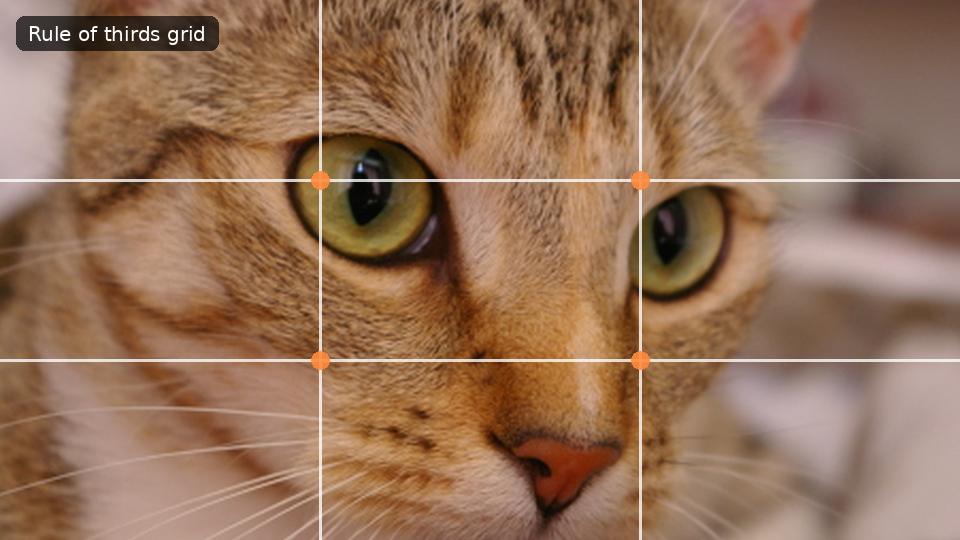
Composition is where things sit inside the frame. It costs nothing, needs no special camera, and often makes a bigger difference than any filter. These ideas are guidelines rather than laws, but they explain why some photos feel balanced and others feel accidental.
The rule of thirds
Imagine two horizontal and two vertical lines dividing the frame into nine equal parts. Placing the subject on one of those lines, or where two of them cross, usually feels more natural than placing it dead centre. For a portrait, put the eyes near the top line. For a landscape, put the horizon on the top or bottom line, not through the middle. Most phone cameras can show this grid: look for "Grid" in the camera settings.
When the centre is right
Symmetry is the exception. A temple gate, a decorated mandap, a plate of food photographed from above, or a person looking straight at the camera often look strongest when centred. If the scene is symmetrical, use it.
Leading lines
Roads, railway tracks, rows of diyas, a corridor, the edge of a river: lines that run into the picture pull the viewer's eye along them. Place the subject where the lines lead, and the photo almost explains itself.
Give the subject room
- Looking room: leave more space on the side a person is facing. Someone looking right should be placed on the left of the frame.
- Headroom: a little space above the head looks natural; a lot makes the person look small, and none at all feels cramped.
- Do not cut at joints: when cropping people, avoid cutting exactly at the knees, elbows or wrists. Cut between them.
Simplify the background
A pole growing out of someone's head, a bright sign behind them, or clutter on a table pulls attention away. Before taking the photo, take one step to the side or change the angle. After, you can crop tighter, or blur or replace the background.
Fixing composition by cropping
A photo taken in a hurry can often be saved by cropping. In Kreeato, choose the Crop tool (C): the crop box shows a thirds grid, so you can drag the subject onto a line or intersection. Crop to the shape you need at the same time, such as 4:5 for Instagram or 16:9 for YouTube.
Practice idea
Take the same subject three times: once centred, once on a third, once with a leading line. Compare them on your phone. You will quickly develop a feel for which works for which scene.
Put it into practice
Kreeato runs in your browser. Nothing to install.
More from Kreeato
All blog →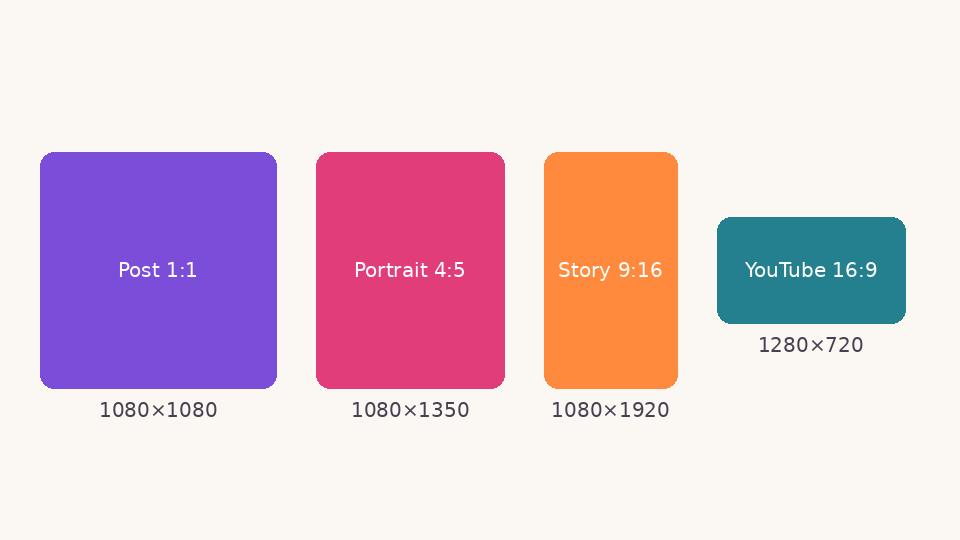 Social media
 image sizes in 2026: a simple cheat sheet
The sizes and shapes that look right on Instagram, Facebook, WhatsApp, YouTube and LinkedIn, and why designing at the correct size matters.
 Basics
JPG, PNG, WebP or PDF? Choosing the right format when you export
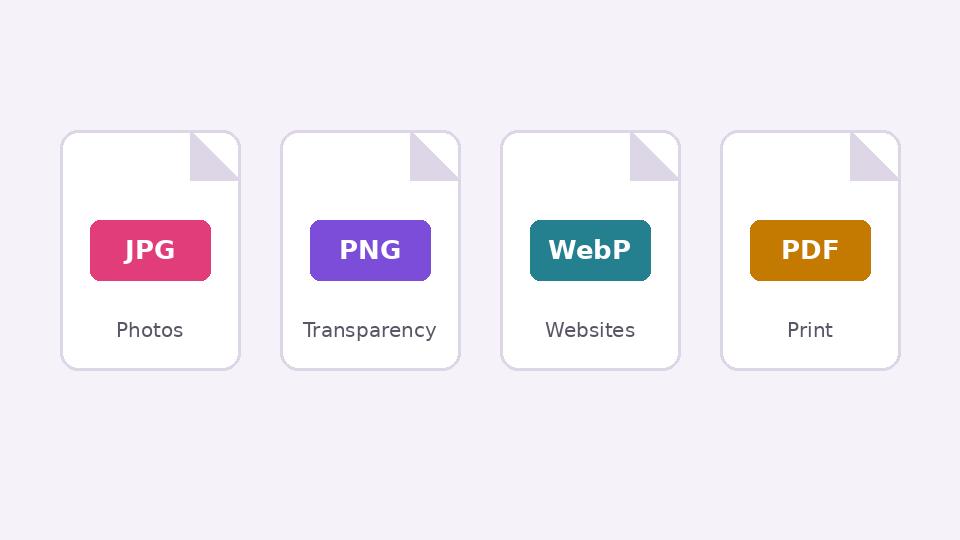
What each image format is good at, when transparency matters, and how to keep files small without making them look worse.
 Tutorial · Basics
Use Kreeato with your voice: commands in English and Hinglish
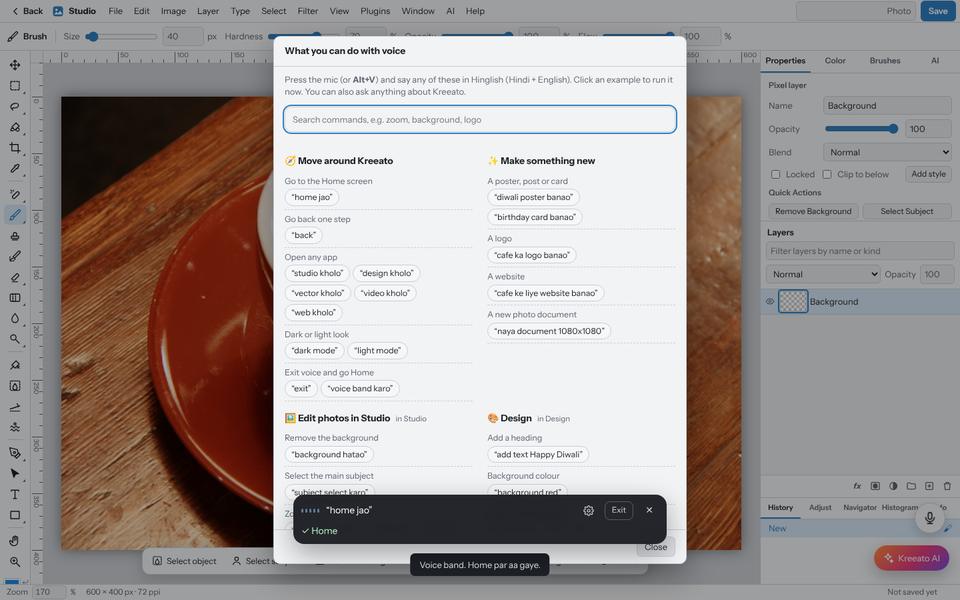
Turn on the microphone, choose your language and control Kreeato by speaking: open apps, remove backgrounds, rotate, zoom, export and more.