Make a festival greeting in two minutes with the Festival Library
Pick a ready design for Diwali, Eid, Christmas, Holi, Gurpurab or a birthday, type your own words in any language and download it for WhatsApp or Instagram.
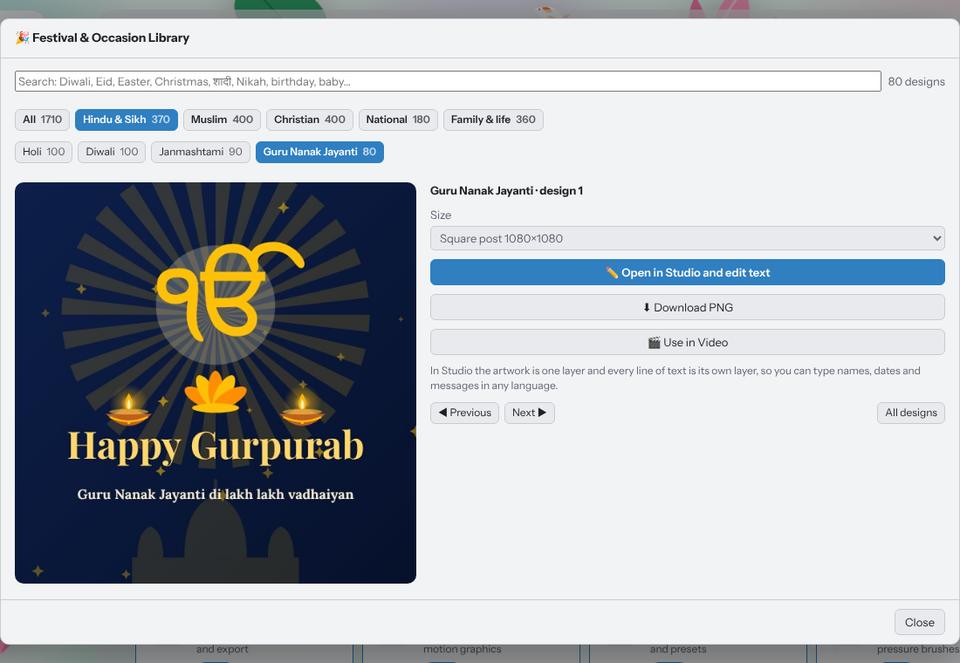
Kreeato includes a library of more than 1,700 festival and occasion designs drawn by Kreeato itself: Hindu and Sikh festivals, Muslim festivals, Christian festivals, Independence Day and Republic Day, plus birthdays, weddings, anniversaries and new-born announcements. Every design opens with its artwork on one layer and each line of text on its own layer, so you can change the words without touching the art.
Step 1: Open the library
On the Home screen click 🎉 Festivals. You can also find it in File › Festival & Occasion Library… inside Studio, or say "Diwali ki images dikhao" if you use voice commands.
Step 2: Find your occasion
Use the filters at the top: Hindu & Sikh, Muslim, Christian, National and Family & life. Then pick an occasion such as Eid ul-Fitr or Easter. The search box understands English, Hindi and Urdu, so "eid", "ईद", "bakrid", "शादी" and "good friday" all work.
Step 3: Choose a size
Click a design to see it larger, then choose a size before opening it:
| Size | Pixels | Use it for |
|---|---|---|
| Square post | 1080 × 1080 | Instagram and Facebook feed |
| Story / status | 1080 × 1920 | WhatsApp status, Instagram and Facebook stories |
| Wide | 1920 × 1080 | Facebook link posts, YouTube community, screens |
| A4 print | 2480 × 3508 | Printed cards and notices at 300 DPI |
The layout adapts to each size, so the greeting stays centred and inside safe margins.
Step 4: Make it yours
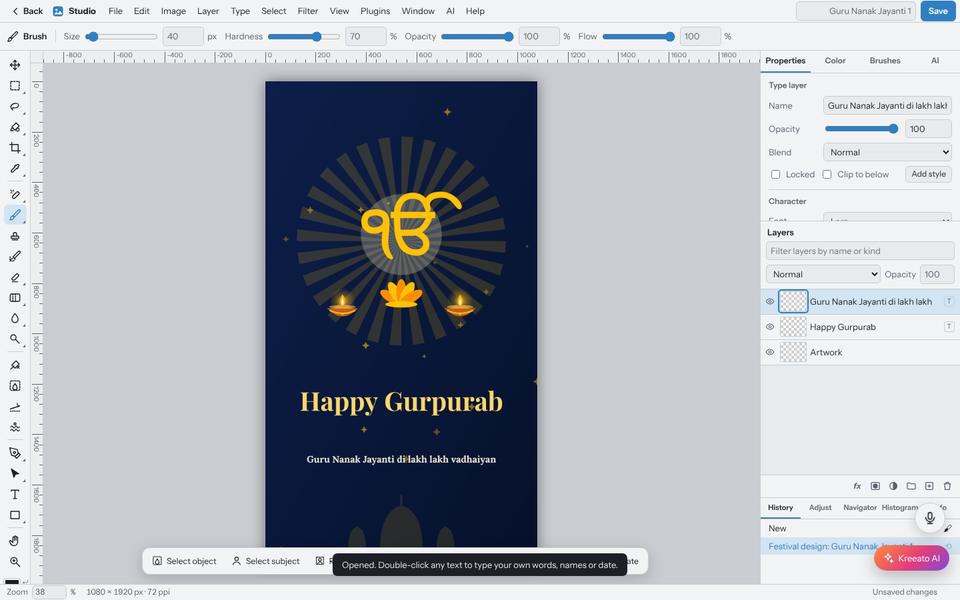
Click Open in Studio and edit text. Double-click any text to type your own: your family's names, your shop name, a date, or a line in Hindi, Urdu, Punjabi or English. You can change the font, colour and size from the Properties panel like any other text layer.
Step 5: Download or share
If you did not change anything, Download PNG in the library saves the design straight away. After editing, use File › Export As…. PNG is sharpest for text; JPG is smaller if you are sending many images on a slow connection.
Use it in a video
Choose Use in Video to add the design as a card in the Video editor. The words go on the Titles track, so you can still change them there. This is handy for a short festival reel: card, a few photos, and an end card.
A note on fonts
Hindi, Urdu and Gurmukhi text uses fonts that load from the internet the first time. If you are offline, the text still shows, in your computer's own font for that script.
Try it yourself
Kreeato runs in your browser. Nothing to install.
More from Kreeato
All tutorials →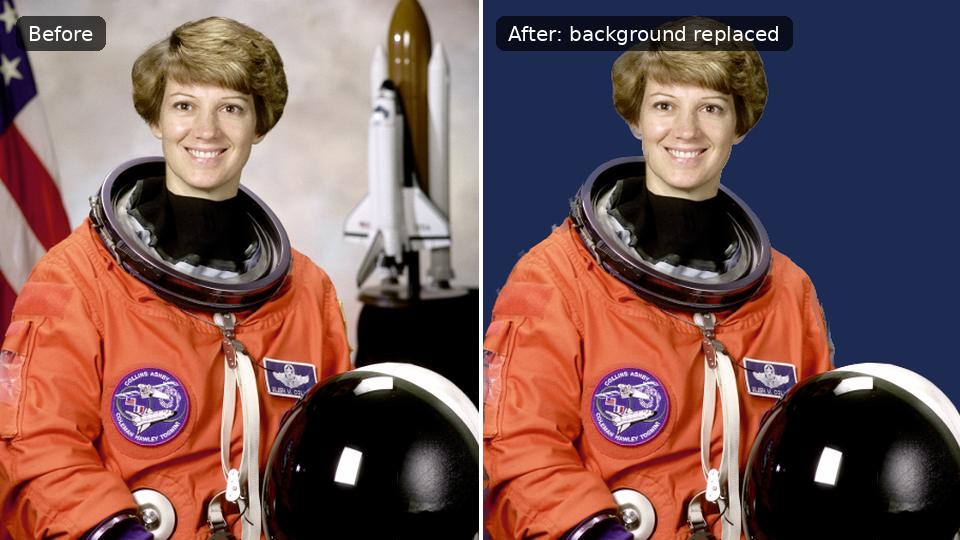 Tutorial · Photo
How to remove the background from a photo in Kreeato
Cut out a person or product in one click, keep only the object you selected, clean up the edges and export a transparent PNG.
 Tutorial · Video
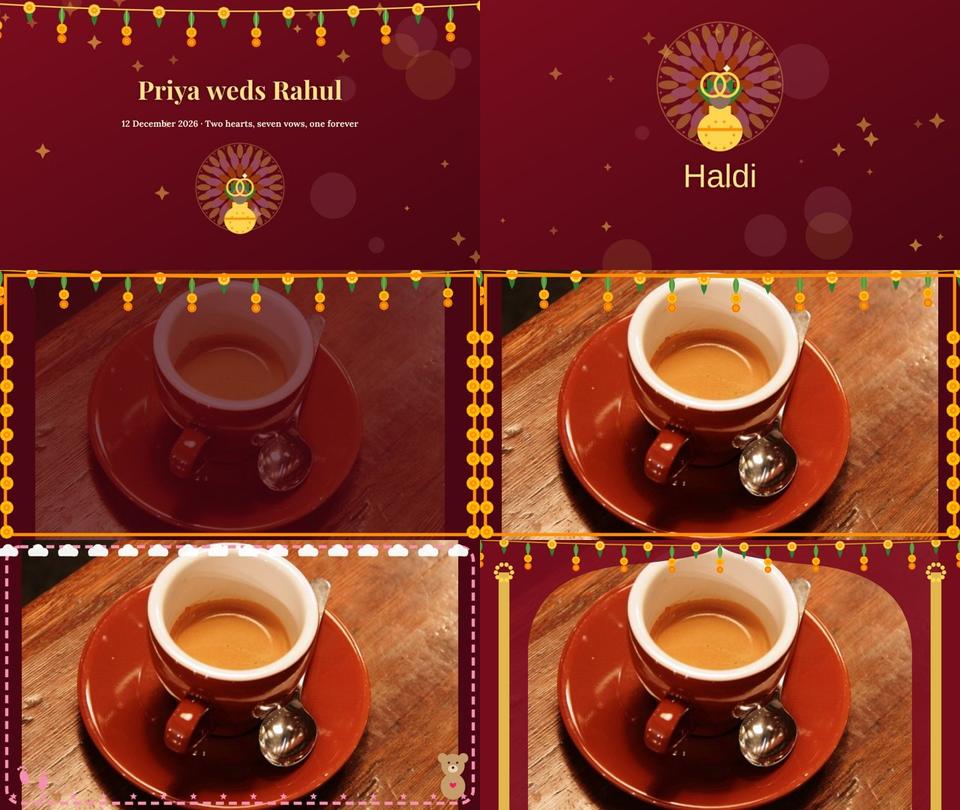
Create a wedding, Nikah or baby slideshow video from your photos
Use Smart Slideshow to turn photos into a video with names, chapter cards, slow zoom, transitions, a frame and music, then export it.
 Basics
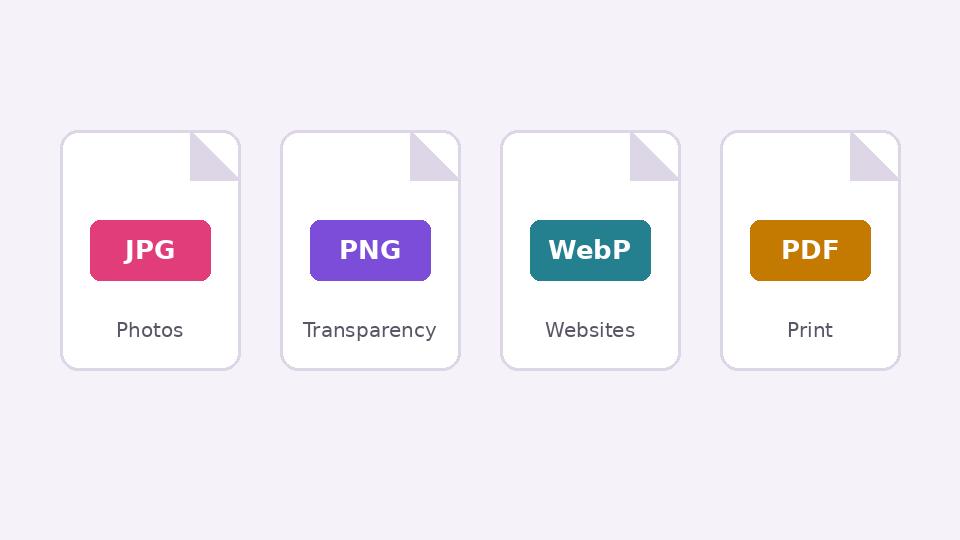
JPG, PNG, WebP or PDF? Choosing the right format when you export
What each image format is good at, when transparency matters, and how to keep files small without making them look worse.